Quick action
Manage a subscription
Cancel, restore a purchase, or request a refund through the App Store.
Open billing helpShapeVision support
Practical help for your account, subscription, morphology analysis, personalized program and workout history.
Quick action
Cancel, restore a purchase, or request a refund through the App Store.
Open billing helpPrivacy
Start account and associated data deletion from the app.
View the procedureiPhone app
View the official app page, updates and compatibility information.
Open the App StoreAbout ShapeVision
ShapeVision combines a strength-training log, photo-based morphology analysis, personalized program generation and progress tracking.
The app helps you track sets, repetitions and loads, review the priorities shown by a morphology analysis, generate a program from the settings you choose and compare your training history over time.
No. ShapeVision provides fitness and training information. It does not diagnose medical conditions and does not replace a qualified coach, physician or physical therapist.
Account
Use the same sign-in method you chose when registering. If the issue continues, email us your device model, system version and the displayed error. Never send a password.
Yes. Sign in to the same ShapeVision account using Apple, Google or email, according to the method originally used. To recover an App Store subscription, the new device must also use the Apple ID that made the purchase, then you can restore purchases from the subscription screen.
Open Profile → My information → Delete account. If you cannot open the app, follow the account deletion procedure.
Subscription
Cancel in the subscription settings of the Apple ID used for the App Store purchase. Deleting ShapeVision does not cancel billing. See billing and refund help.
Check that the Apple ID active on the device matches the App Store receipt. Then open the ShapeVision subscription screen and choose Restore Purchases.
The Apple ID active on the device may differ from the one used for the purchase, or the purchase may not have been restored yet. Check the App Store receipt, restore purchases, then contact us with a partially hidden Apple order identifier if the issue continues. Your ShapeVision sign-in method—Apple, Google or email—is separate from App Store billing.
Morphology analysis
Use even lighting, keep the phone upright and stable, frame the full body and follow the guided poses without deliberately flexing.
Lighting, distance, camera angle, posture and muscle pump can affect the analysis. For meaningful comparisons over time, reproduce the same conditions as closely as possible.
No. ShapeVision provides training and muscular-development information. It does not diagnose injuries, diseases or medical posture conditions.
Feature guide
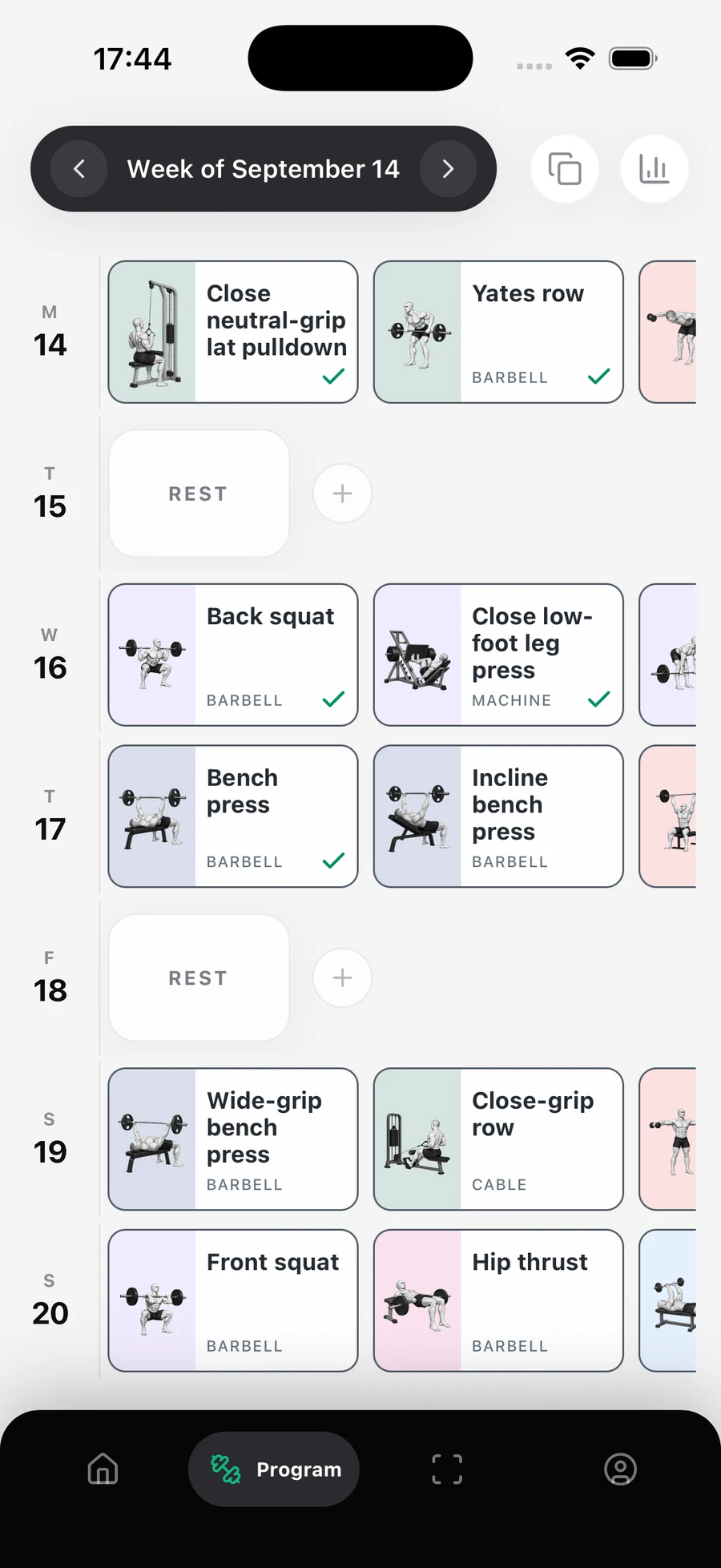
Open the planned session from Home, enter the repetitions and loads performed, then mark each set as completed. Completed sets are added to your training history.
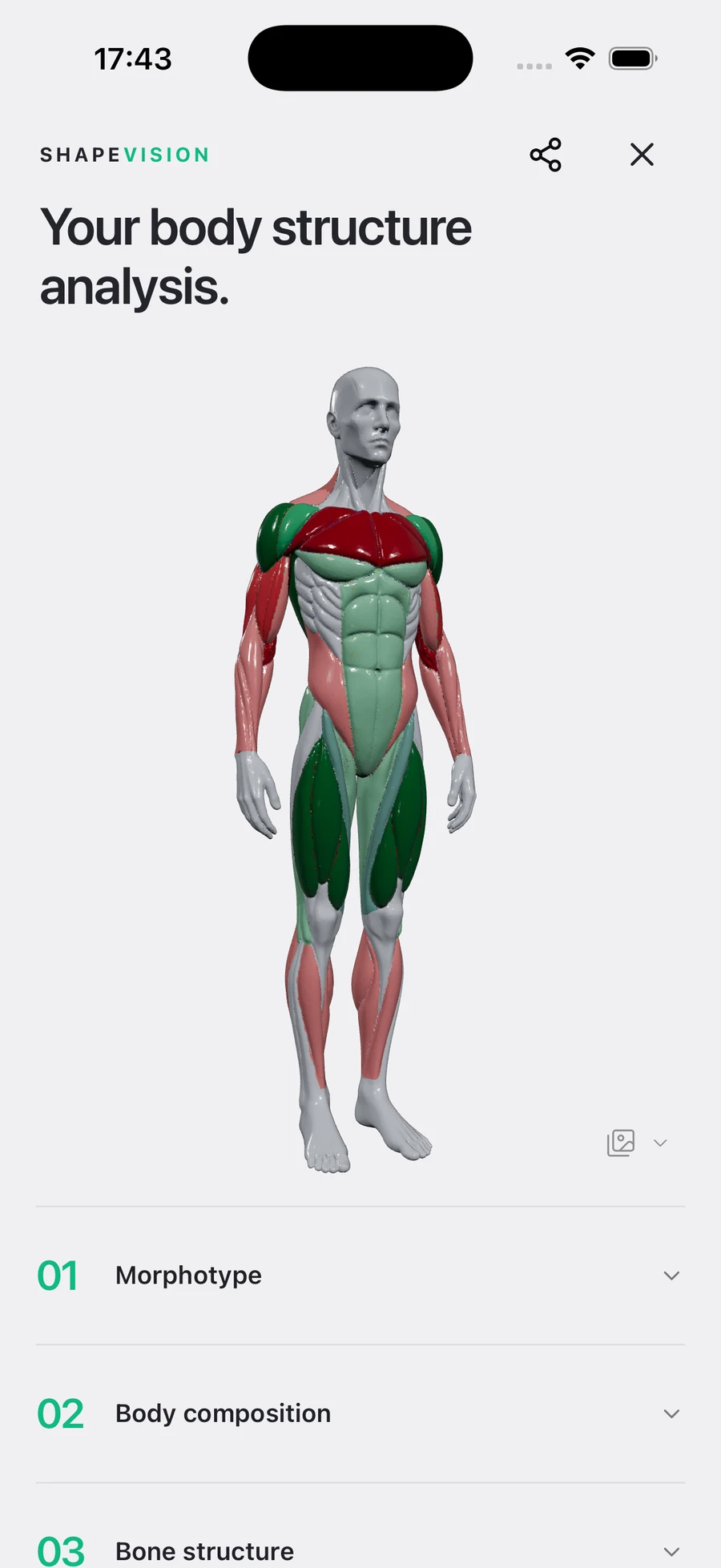
ShapeVision analyses photos captured in the guided poses to provide visible muscular-development indicators. The summary then highlights strong areas, priorities and training recommendations.
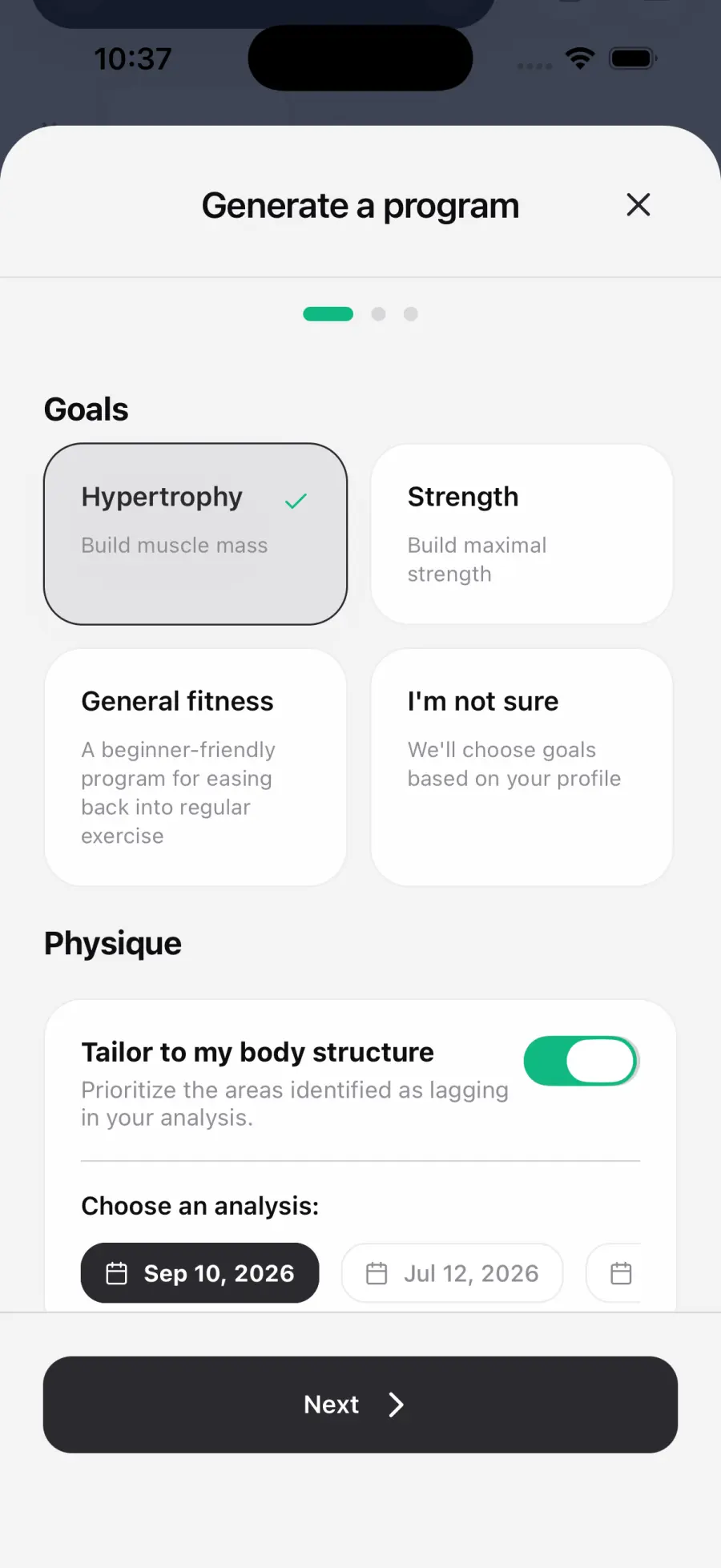
The generator uses the options you choose: goal, program type, training frequency, session duration, weekly volume, rest days, excluded muscle groups and any additional notes. If you enable morphology analysis, the selected analysis also influences muscle priorities. The program is not automatically adapted to your experience level or equipment unless you describe a constraint in the additional notes.
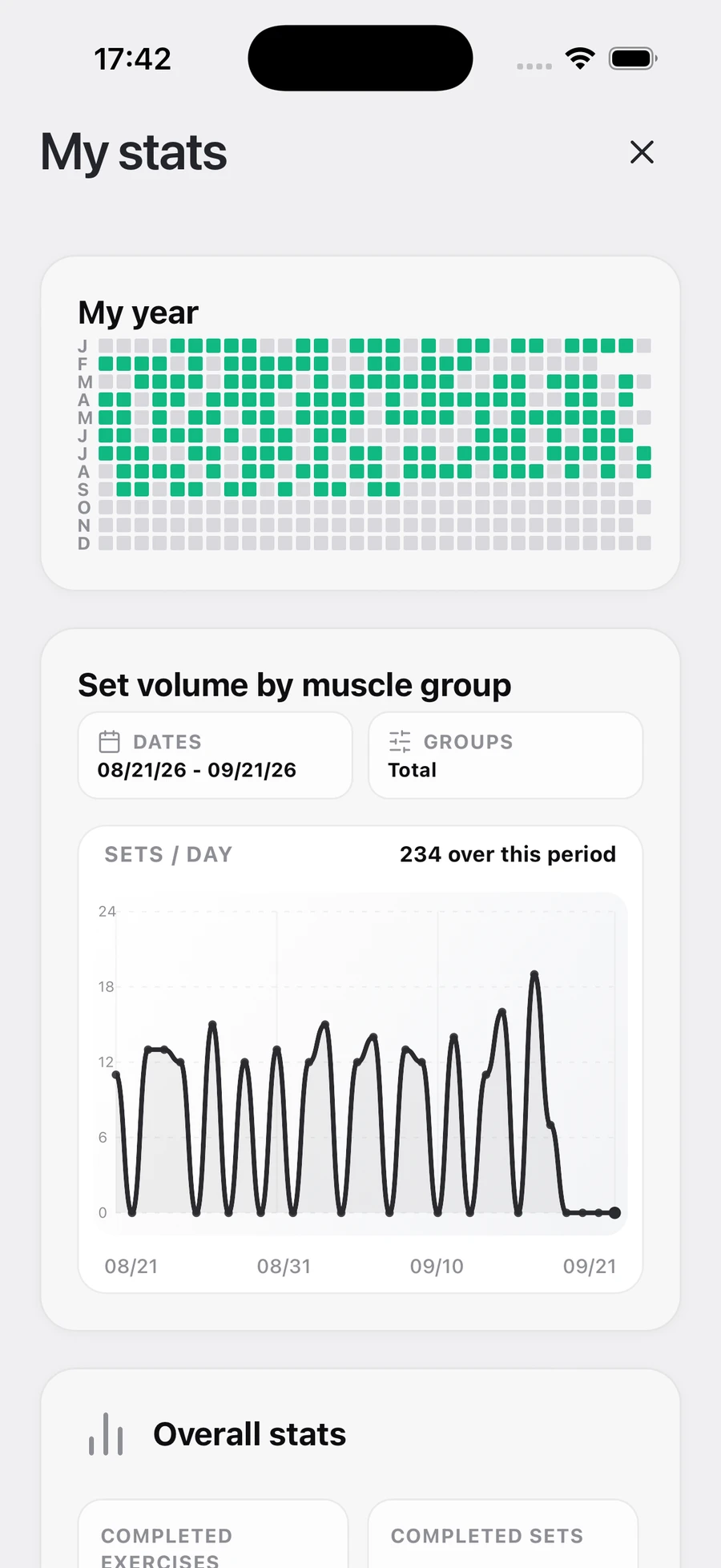
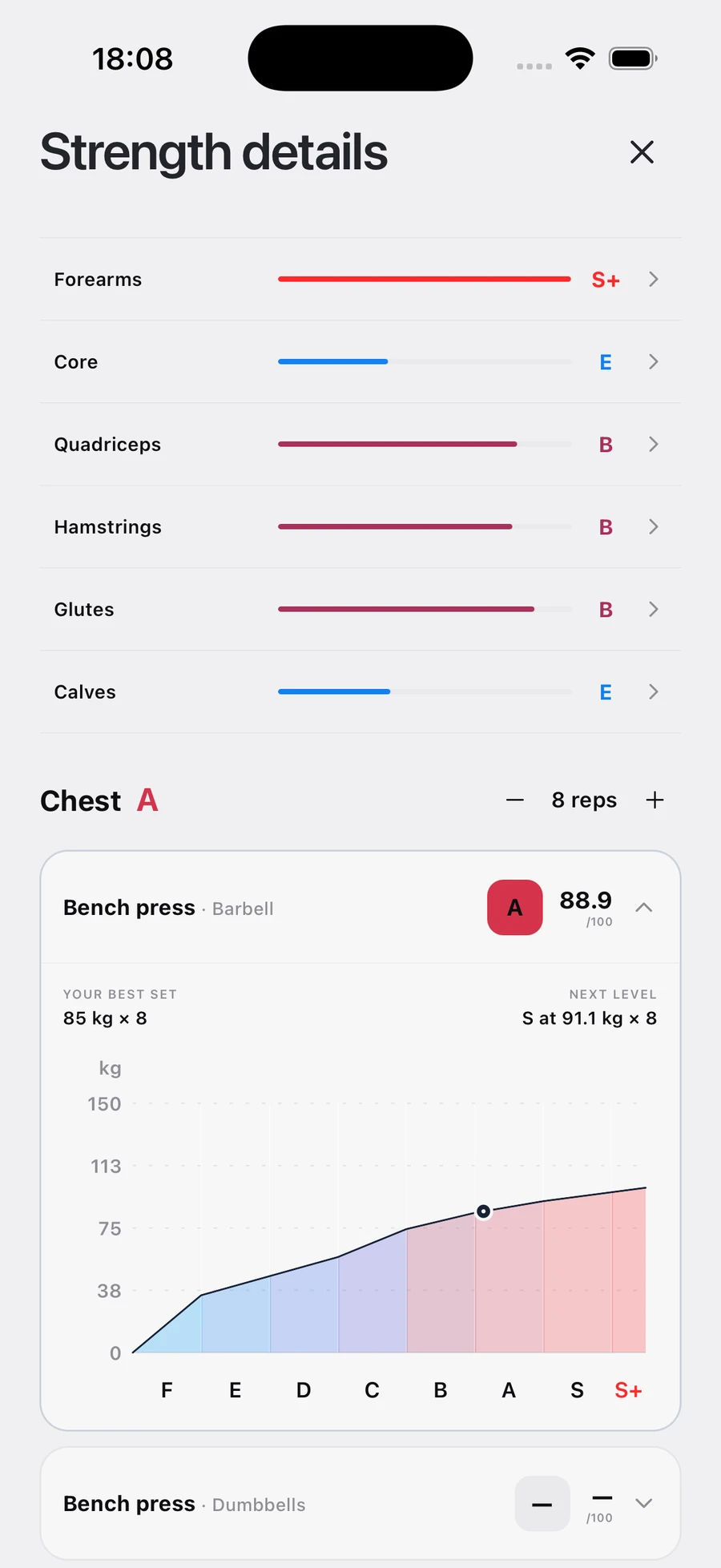
Your history brings together workouts, volume, loads and repetitions. Use multi-week trends rather than one isolated session when deciding whether to increase a load or change an exercise.
Program and tracking
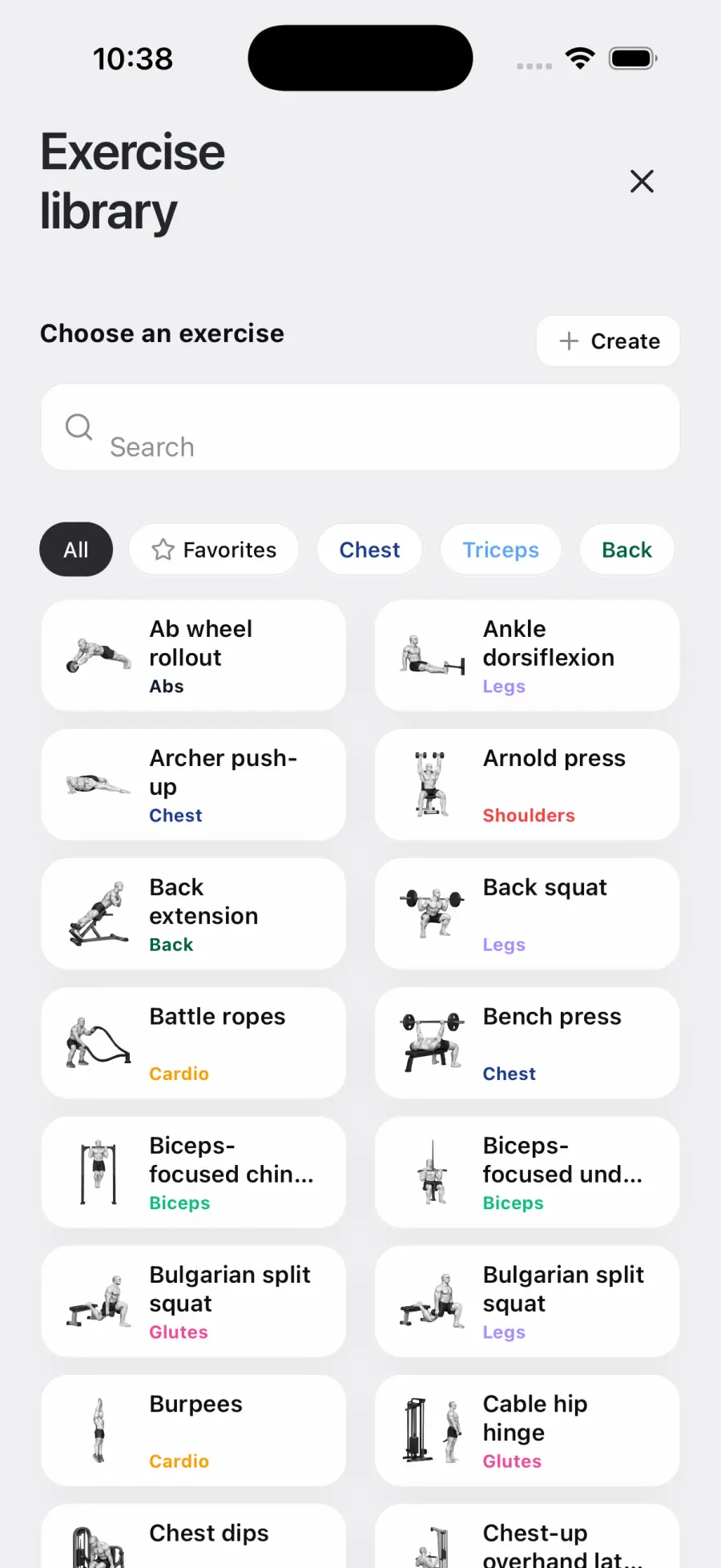
Yes. You can edit the program after generation. If you have specific equipment or another constraint, include it in the additional notes before generating, or replace the affected exercise afterward while keeping the intended muscle group in mind.
Stop the movement. Do not try to push through unusual pain. Choose a pain-free alternative and consult a qualified healthcare professional if the pain persists or concerns you.
Confirm you are in the correct account and have a stable connection. Do not create a second account. If data remains missing, contact us with the approximate date of the last visible workout.
Troubleshooting
Check for an update, fully close and reopen the app, restart your phone and verify the connection. Reinstall only as a last resort and only if you know your sign-in details.
Check your connection and read the message shown by the app before retrying. If the failure happens again, note the approximate time, displayed message and last completed step before contacting support.
Include the phone model, operating-system version, ShapeVision version, exact steps and error message. Attach a screenshot only if it contains no body photo or sensitive information.
Data and privacy
They are used to provide the analysis features you request in the app. Read the Privacy Policy for details about processed data, purposes and your rights.
Delete your account from Profile → My information → Delete account. For another data request, email contact@shapevision.app from the address associated with your account.
Resources
Open the official pages related to ShapeVision.
Still stuck?
Never email a password, payment details or a complete identity document.